Tagged: google-cloud
Log
-
When it comes to cloud providers, I wouldn’t say I have a strong preference. I think some offer better individual products than others, but overall they’re relatively similar with AWS being the known cheapest.
So when it comes time to quickly host a personal project or POC, I typically choose Azure or AWS without a second thought. Mostly because I use Google Cloud at work. But this particular effort I’m using requires something only Google Cloud offers, so I launch the console and I’m greeted with a warning that Google Cloud started requiring MFA in 2025. Understandable, and I haven’t used it with my personal email in quite a while which explains the date of the alert.
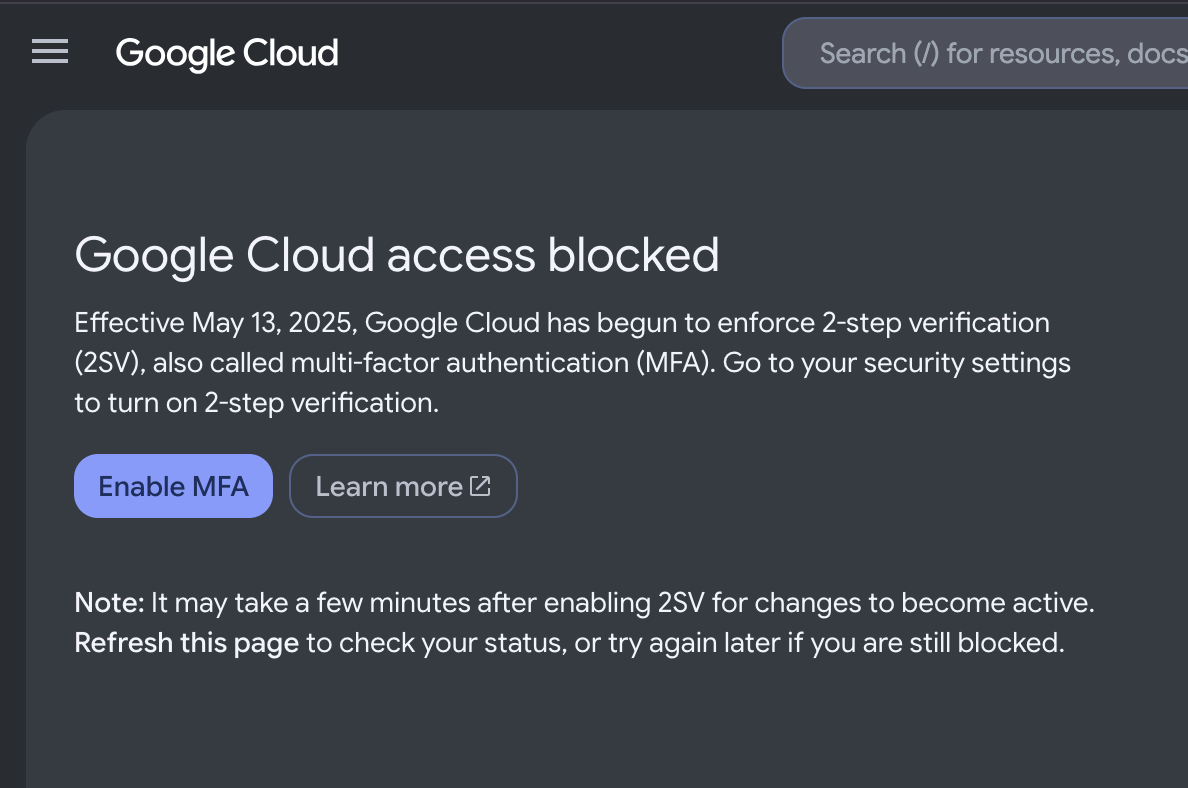
So, I quickly switch over to my google account to enable 2FA/MFA. Notice I don’t have my phone number in my google account, and pop it in. Now mind you I’m already logged in, so that phone number saves and I quickly verify it with the G-code text messaged to me. But little did I know, I had just completely blocked any access to Google Cloud for 7 days.
See Google locks sensitive settings on your google account if you update certain information, including your phone number. I guess it’s understandable, but here I am with my backup codes, completely authenticated, multiple devices connected, and I cannot enable 2FA now. Meaning I cannot use Google Cloud services. Of course you cannot call anyone, and when I “try another way” on the google account sign-in, no matter what I do, I get this message:
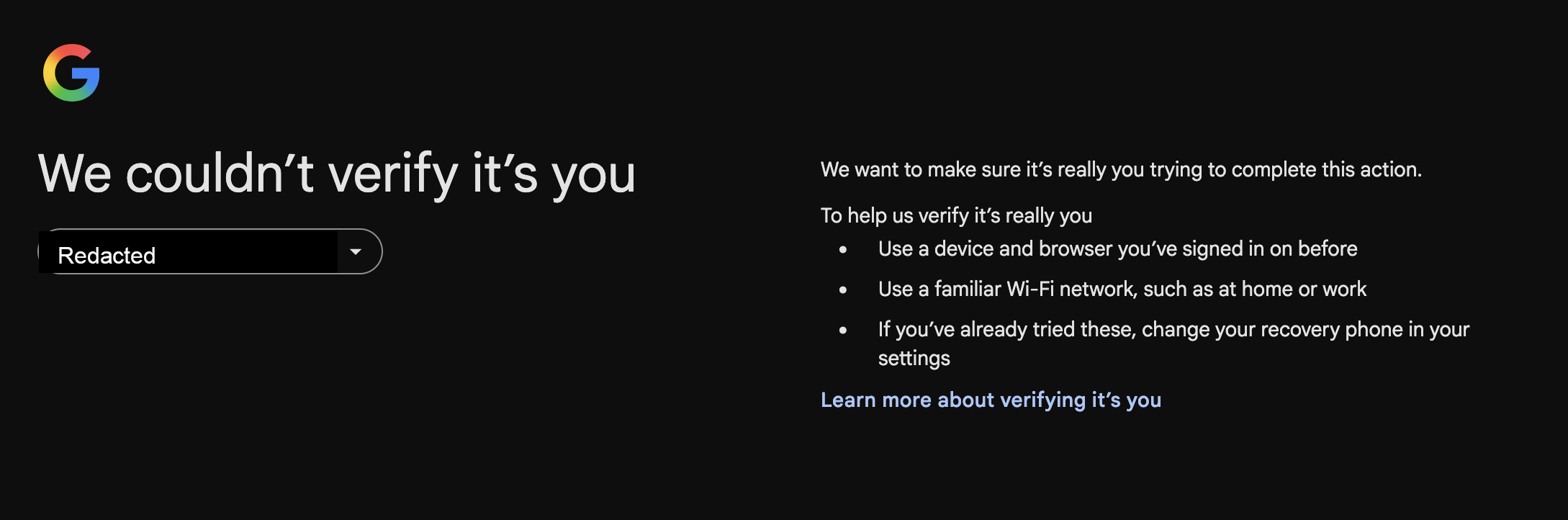
I tried every device, my normal browsers, no VPN, on my normal wifi network. Their method of proving identity is completely broken. They have my driver’s license. I have Google Pay, Voice, etc. Probably a dozen services. This is completely unacceptable in 2026. I tried “recovering my account”, successfully. Still can’t ENABLE 2FA!
I ended up creating a new account to hold me over, but I just thought I’d share dumb how this logic is on Google’s part.